





Add-on
Identity, signature and resolution in one contact.
An optional add-on to the Univerx platform: a link with no download opens a guided dialogue with a shared view. Identification with the online ID card and eIDAS signatures are the goal, and the result goes back into the case. One request, one contact.
How it runs
One case, step by step.
How a case runs with Univerx Channel – from the first step to the result in the case record.

- 01
Invite
A link from chat, email or SMS opens the Channel in the browser, with no download and no account.
- 02
Identify
Online ID card or eIDAS identity instead of an ID copy, as the add-on’s goal.
- 03
Resolve
Guided dialogue with a shared view; documents are uploaded directly.
- 04
Sign
Sign the application or agreement in the same conversation, designed for eIDAS signatures.
- 05
Close
Result, documents and record go back into the case.
Features
What sets Univerx Channel apart.
The properties that matter day to day – on the same platform as every other contact.
A link, not an app
No download, no account: the Channel opens in the browser on phone or desktop.
Guided dialogue
The conversation follows the request, asks only what is missing and skips what does not apply.
Shared view
Both sides see the same page or form, with video if wanted.
Upload documents
Proofs are photographed or uploaded during the conversation and attached to the case.
Online signature
Designed for electronic signatures under eIDAS, within the same contact.
Online ID
Designed for identification with the German online ID card and eIDAS identities.
Built on
Builds on co-browsing, web messaging and video in the Univerx Contact Center.
An add-on is not a separate system. It uses the platform capabilities you already run – with the same administration and the same roles.

Co-browse & screen share
The agent sees the customer's page and guides her through it, with no download and with sensitive fields masked. For forms, applications and everything that is hard to explain on the phone.
- DSGVO
- BFSG
- eIDAS
Web messaging & chat
Asynchronous chat on your website and in your apps. Customers can pause and pick up later, the history is kept, and AI agents handle what they can resolve.
- DSGVO
- BFSG
- EU
Agent desktop
One workspace for every channel: conversation, customer history, case and scripts on one screen. With AI support from Univerx Assist and no switching between five programs.
- DSGVO
- BFSG
SMS
Two-way SMS for service, reminders and notices. Customers simply reply to the message, and the reply lands in the same queue as every other contact.
- DSGVO
- BFSG
#One request, one contact
Many requests fail not on the question but on the route. An application needs a signature, an account needs identification, a change needs proof.
So the conversation is followed by a letter, an appointment or a form to print. One contact becomes three, and some customers give up along the way.
The Univerx Channel brings identity, documents and signature into the conversation itself. What otherwise takes days is settled in one contact, without broken hand-offs.
The Univerx Channel is optional and sits on top of the Univerx platform. The platform works fully without it; where identity and signature matter in the contact, you add it when you need it.
#Before, and with the Channel
Before. A customer calls because she wants to change her bank details. The agent explains that a signature and an ID copy are needed. A form goes out by post, comes back a week later, and the copy is missing.
With the Channel. During the same call a link arrives by SMS. The customer identifies with the online ID card, both see the same form, she confirms the new details and signs. The case is closed before the call ends.
The difference lies not in a single function but in identity, documents and signature no longer falling out of the conversation. Nobody has to remember what is still missing.
#What the Channel builds on
The Univerx Channel is an add-on to the Contact Center. It uses co-browsing for the shared view, web messaging and SMS for the invitation, and the agent desktop for staff.
For staff, the Channel is therefore not a new tool. It appears on the familiar desktop as one more step in the contact, with the same history and the same roles.
#Identity and signature under European rules
The eIDAS Regulation governs electronic identification and trust services in the EU. It distinguishes simple, advanced and qualified electronic signatures. Only the qualified signature has the legal effect of a handwritten one.
In Germany, the ID card’s online function enables electronic proof of identity (§ 18 PAuswG). With the amendment of the eIDAS Regulation, the European Digital Identity Wallet is added.
#Usable by everyone
A channel that excludes people resolves nothing. The customer interface is designed for WCAG 2.1 AA and EN 301 549: operable by keyboard and screen reader, with sufficient contrast, without enforced time limits. What the European Accessibility Act requires is described in our Trust Center.
#Where the Channel helps
| Industry | Typical request |
|---|---|
| Public sector | An application with identification and proof, with no office visit |
| Banking | Opening an account or changing a contract with a signature in the conversation |
| Insurance | A claim with photos and a signature |
| Healthcare | A benefit request with identification of the insured person |
Together with Semantic² this forms one continuous route: the Channel collects documents and signature, Semantic² checks the documents, the officer decides. The use case is described under Identification & online closing.
#Getting started
A pilot starts with a request that has a broken hand-off today: an application that has to be printed and signed, or an identification that needs an office visit.
We build the guided dialogue together, connect it to your case and see after a few weeks how many requests were settled in one contact.
Frequently asked questions
Do customers need to install an app?
No. The Channel opens through a link in the browser, on the phone as on the desktop. For the online ID card, the ID app many people already have is used.
Is identification with the online ID card available already?
The Univerx Channel is designed for it. Which identification and signature methods your project uses we clarify together, and we state the status openly.
Which signature level is possible?
eIDAS distinguishes simple, advanced and qualified electronic signatures. Which level your case requires depends on the law that applies to it. The Channel is designed for signatures under eIDAS.
Is the Channel accessible?
The customer interface is designed for WCAG 2.1 AA and EN 301 549: operable by keyboard and screen reader, with sufficient contrast and no enforced time limits.
Related
 Use cases
Identification & online closing
Close cases that need an identity or a signature within one contact: a link with no download, identification with the online ID card and eIDAS signatures as a goal in the Univerx Channel, and the result straight back into the case.
 Use cases
Sales & digital advice
Advice that does not fall apart at the broken hand-off: a shared view of offer and form, documents uploaded during the conversation and the deal signed on the spot. With the Univerx Channel and proactive engagement at the right moment.
 Industries
Public sector
The complete platform for citizen service: every channel in one queue, public service numbers and hotlines with AI agents, appointment booking, video, secure messaging and translation. Plus the digital citizen office for a visit to the authority in one session. Designed for social data protection and accessibility.
 Industries
Banking & financial services
Service on every channel, advice with a shared view and a signature inside the conversation, onboarding with the online ID card as a goal. Plus documents for your ICT third-party risk management under DORA on request.
 Industries
Insurance
Claims service with calm and pace: notifications on every channel, checks of invoices and policies with Semantic², agreements signed in the conversation and routine requests resolved in self-service.
 Industries
Healthcare
Hospitals, practices, care services and pharmacies on one platform: appointment service with reminders and callbacks, video consultations in the browser, pre-sorting of requests and patient service on every channel. Designed for the protection of special categories of data.
 Trust & Europe
eIDAS & online ID
The Univerx Channel is designed for identification with the German online ID card and for eIDAS signatures – inside the running contact, with no app to download for the Channel. It is prepared for the EUDI wallet.
 Trust & Europe
European Accessibility Act
Since June 2025, Germany's Accessibility Strengthening Act has applied to many consumer services. Univerx sets accessible customer interfaces as a goal: WCAG 2.1 AA and EN 301 549 for web messaging, the Univerx Channel and self-service.
 Trust & Europe
GDPR
Processing under Art. 28 GDPR, documents for your data protection impact assessment, retention and deletion policies and role rights. What exists you receive on request; what is a goal we call a goal.
 Add-ons
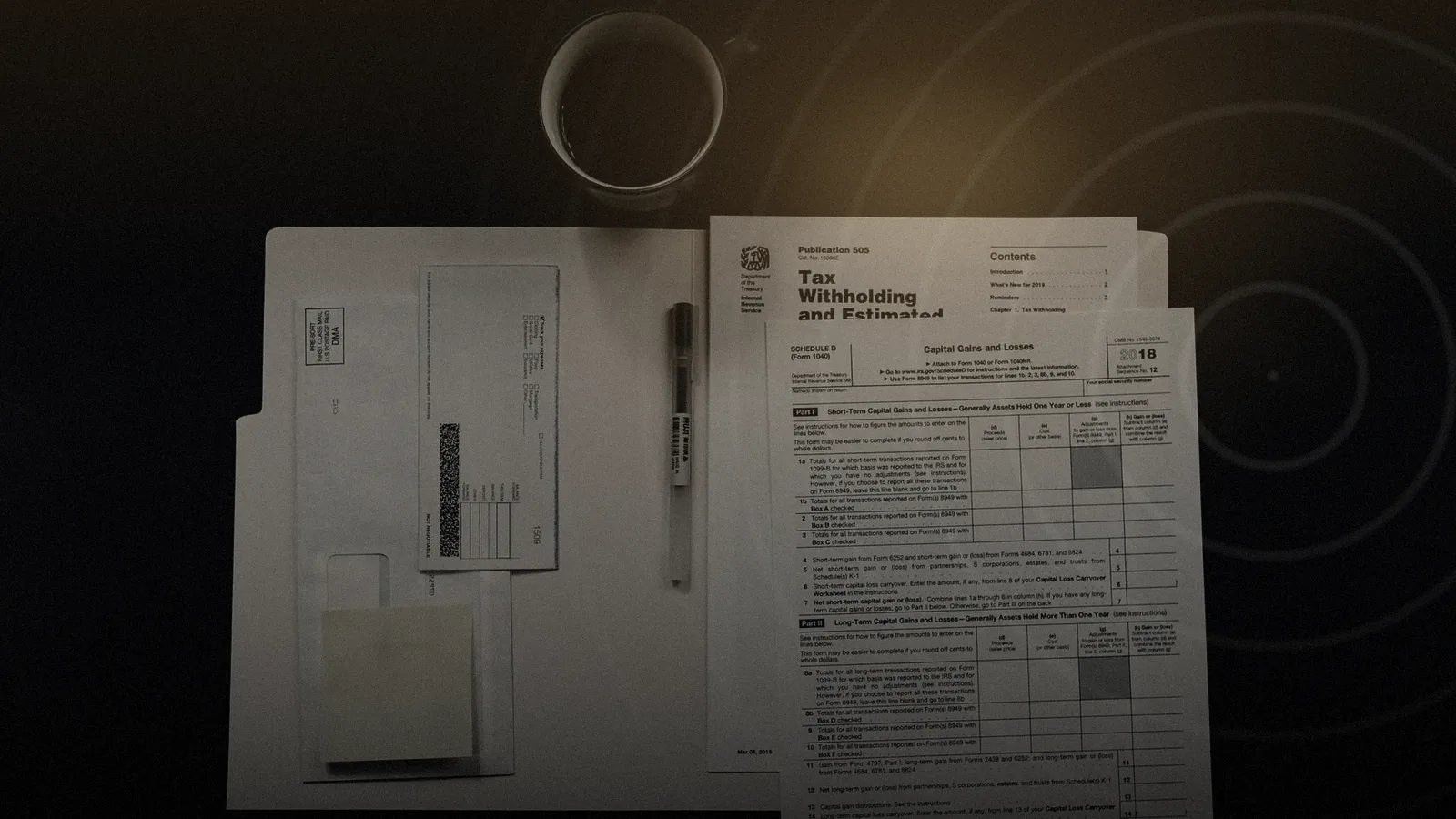
Semantic²: read documents, findings in euros
Semantic² is an optional add-on to the Univerx platform. It reads the decision letters, contracts and invoices behind a case, checks them against rules and bookings and reports deviations as a finding in euros. The decision stays with people.

See Univerx on your own example.
In a demo we show the platform along your channels and requests, from AI agents to video, workforce scheduling and analytics.
Online, in German or English, with no preparation on your side.