





Public sector
Citizen service without broken hand-offs: what has to come together
Broken hand-offs rarely happen in the portal. They happen at the handovers. Four building blocks close them: identity, shared view, signature and case.

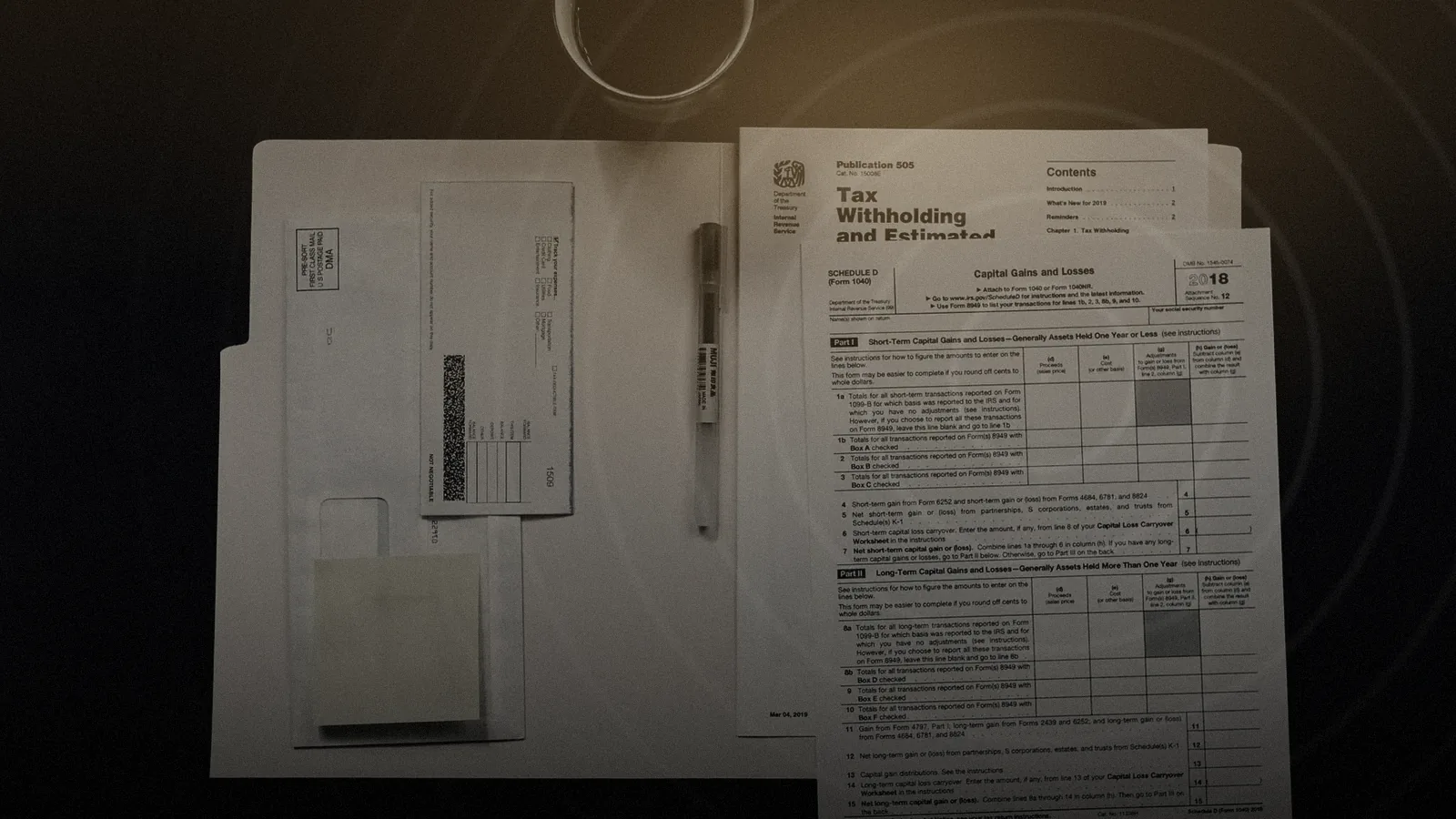
Many applications start online today and still end on paper. A citizen fills in a form on the portal. Then a document is missing, then a signature, and finally a letter arrives.
Each of those steps makes sense on its own. Together they add up to a path that takes weeks and several contacts.
That is what German administrations call a Medienbruch, a broken hand-off: the case changes medium and loses time, context and often data along the way.
#Where the break actually happens
Most administrations have expanded their portals in recent years, so the break is rarely at the start. It sits at the handovers: wherever a question comes up that the form cannot answer.
| Handover | What often happens today | What it takes |
|---|---|---|
| Who is this? | ID copy by post, a visit to the office | Identification with the online ID card |
| What exactly is the issue? | A phone call without both sides seeing the form | A shared view |
| Is this binding? | Print, sign, scan | A signature in the same contact |
| Where does the result go? | Retyped into the case system | Written back into the case |
Each row is a building block of its own. Only when all four come together does a request stay within one contact.
#Block 1: identification that fits the request
Not every request needs identification. Someone asking about opening hours does not have to prove who they are. Someone changing the bank account for an ongoing benefit does.
The German online ID card is the obvious tool. Under section 18 of the German ID Card Act, anyone aged 16 or over can use it to prove their identity electronically, to authorities and businesses alike.
The Univerx Channel is designed to start this identification in the middle of a conversation: the agent sends a link, the citizen confirms with card and PIN, and the result appears in the case. More in the post The online ID card in customer contact.
#Block 2: a shared view
Many follow-up calls fail not on substance but on description. "Field seven, second line, no, the one below." A phone call about a form that only one side can see costs time and patience.
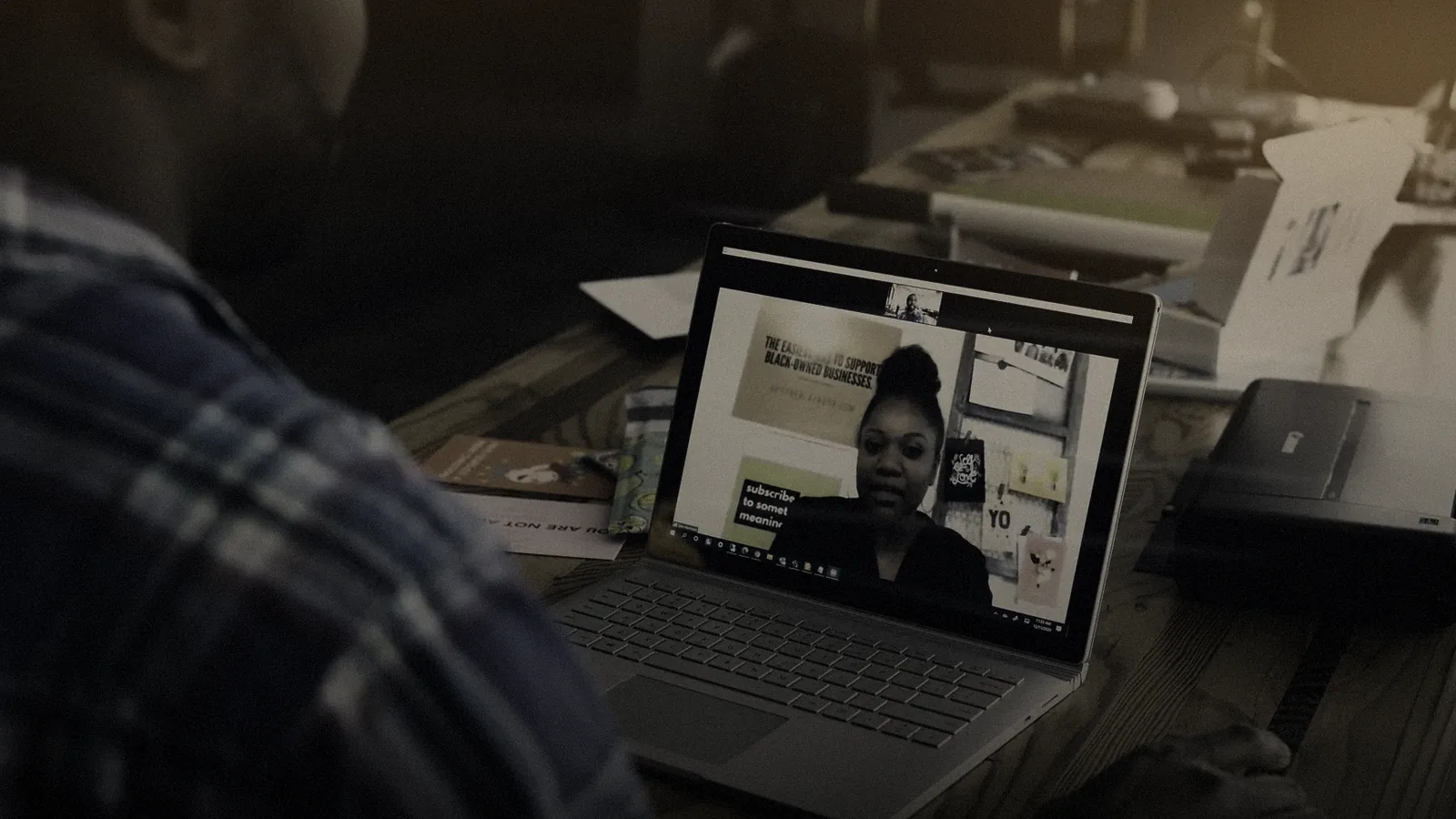
A shared view solves this. Both sides see the same page or form, by video if wanted. Sensitive fields can be masked during co-browsing. Missing documents are uploaded on the spot instead of being sent in later.

#Block 3: a signature in the same contact
When a statement has to be legally binding, the signature comes in. A closer look pays off here, because the eIDAS regulation knows three levels: simple, advanced and qualified electronic signatures.
For German administrative procedure, section 3a of the Administrative Procedure Act lists the ways in which electronic form replaces written form. They include the qualified electronic signature and an electronic form submitted with the online ID card.
#Block 4: the result belongs in the case
The fourth block is the one most often missed. If a request is settled in the conversation but the result has to be retyped, the broken hand-off simply moves inside. It then hits the case officer instead of the citizen.
That is why result and record go back into the case. Follow-up work runs through task routing into the right workbins. Uploaded documents can be read and checked by Semantic²; how that turns into a finding is described in What Semantic² reads.
#How the blocks work together
From the citizen's side it is a single contact. From the administration's side it is five clearly separated steps, each with a record.
- Invite: a link from chat, email or SMS opens the channel, with no download.
- Identify: online ID card or eIDAS identity instead of an ID copy.
- Clarify: guided dialogue with a shared view; documents are uploaded directly.
- Sign: the signature in the same conversation, at the level the procedure requires.
- Close: result and record go back into the case.
#What changes for the team
For the citizen service team the work shifts. Less time goes into explaining forms and chasing missing documents. More time is left for the actual question behind the call.
The order on the desktop matters here: identity, documents and signature status sit visibly on the case, not in separate windows. Whoever takes over sees at once what has been settled and what is still open. Nobody has to ask the citizen a second time.
#What the legal framework requires
Under section 1a of the German Online Access Act, federal and state governments must offer their administrative services electronically via administrative portals as well. The portal is a given. Citizen service complements it wherever questions arise.
Benefit agencies also have to observe social data protection. Which roles, recording rules and analytics apply then is covered in Social data protection in the contact centre.
#Where to start
Do not start with the whole administration; start with one service. A good candidate generates many follow-up questions and requires a signature.
Settle before the pilot
The full path, with roles, documents and social data protection, is described in the guide Digital citizen service. For an overview aimed at public bodies, see Public sector.
Related
View all Europe & regulation31 October 2026 · 4 min read
The online ID card in customer contact: what works today
ID copies, selfies, callbacks to the number on file: identification is often the slowest part of a request. With the online ID card it becomes one step in the conversation.
 Public sector30 October 2026 · 5 min read
Social data protection in the contact centre: roles, recording, analytics
Social data needs more than a tick in the privacy notice. It needs roles that fit, recording with a reason, and analytics that show topics rather than people.
 Practice & how-to1 November 2026 · 5 min read
What Semantic² reads, and how a finding is made
A finding is not a gut feeling. It has four parts, and each of them can be checked. This is how it is made.
 Guides2 November 2026 · 11 min read
Digital citizen service: identity, documents, case
How councils and agencies resolve requests without broken hand-offs: from first contact through identification, signature and document checks to the reply, with Univerx Channel, Semantic² and a look at social data protection and written-form rules.
 Glossary
Online ID card (eID)
The online ID is the eID function of the German identity card. With card, smartphone and PIN, people can prove who they are securely, without ID copies or appointments. How it works and what businesses need.
 Glossary
eIDAS
The eIDAS regulation gives the EU a common framework for electronic identification and trust services. It defines when a digital signature counts like a handwritten one, and it brings the EUDI Wallet.
 Glossary
Co-browsing
In co-browsing, agents see the same web page as the customer, with her consent, and guide her through a form or application. Sensitive fields stay masked.
 Trust & Europe
eIDAS & online ID
The Univerx Channel is designed for identification with the German online ID card and for eIDAS signatures – inside the running contact, with no app to download for the Channel. It is prepared for the EUDI wallet.
 Trust & Europe
GDPR
Processing under Art. 28 GDPR, documents for your data protection impact assessment, retention and deletion policies and role rights. What exists you receive on request; what is a goal we call a goal.
 Products
Co-browse & screen share
The agent sees the customer's page and guides her through it, with no download and with sensitive fields masked. For forms, applications and everything that is hard to explain on the phone.
 Products
Task routing
Back-office tasks are distributed like contacts: applications, forms, follow-up questions and wrap-up work reach the right person by skill, deadline and priority, with workbins and follow-ups.
 Products
Web messaging & chat
Asynchronous chat on your website and in your apps. Customers can pause and pick up later, the history is kept, and AI agents handle what they can resolve.

See Univerx on your own example.
In a demo we show the platform along your channels and requests, from AI agents to video, workforce scheduling and analytics.
Online, in German or English, with no preparation on your side.