




Practice & how-to
What Semantic² reads, and how a finding is made
A finding is not a gut feeling. It has four parts, and each of them can be checked. This is how it is made.
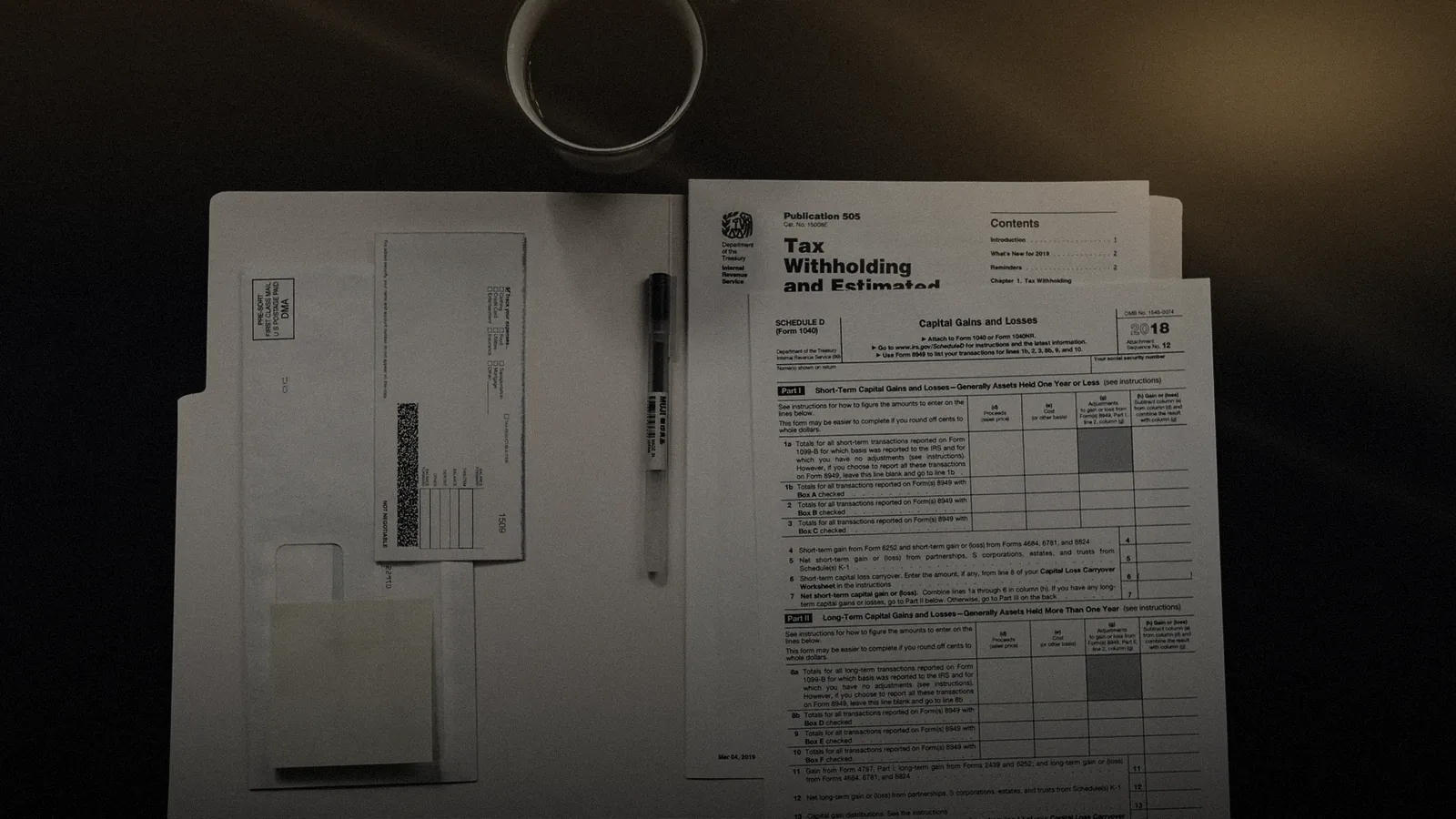
Anyone who handles cases with documents knows the moment: the number on the invoice does not match the number in the decision letter, and the question is who is right.
Semantic² is built to find that moment earlier. How that happens can be told in five steps.
#Step 1: Reading
It starts with a document. A decision letter as a PDF, an invoice as a scan, a contract as a photo from a phone. Semantic² reads all three.
For structured documents it takes fields directly; for scans it recognises text and layout and remembers where something stood.
That remembering matters more than it sounds. Every number that later appears in a finding points back to its location: invoice, page 2, item 4. Without that trail a finding would be nothing more than a claim.
#Step 2: Checking
Read is not yet checked. In the second step Semantic² compares what it read with three things: the rules, the contract and what was booked.
Rules are written in readable form, for example: "The hourly rate must not exceed the agreed rate." Or: "A service period must not be billed twice." Rules have versions, so it can later be traced which version applied at which time.
The contract supplies the values to check against: rate, period, scope. The booking supplies what was actually paid. Only the triad of rule, contract and booking makes a check that holds.
#Step 3: The finding
If the check finds a deviation, a finding is created. It always consists of four parts:
- the amount in euros at stake,
- the rule that was violated,
- the source, meaning the location in the document,
- the booking the finding refers to.
All four sit side by side on one card. Whoever reads it has to take nothing on trust. They can open the invoice, read the rule and call up the booking.
| Part | Answers the question | Where to look |
|---|---|---|
| Amount | How much is at stake? | Difference between document and booking |
| Rule | Why is this a deviation? | Rule text in the applicable version |
| Source | Where does it say so? | Highlighted passage in the document |
| Booking | What was actually paid? | Voucher in the case system |
The example below shows such a card over the document it came from.

#Step 4: The decision
Semantic² does not decide. The finding waits for a person who accepts or rejects it. Both are actions with a log entry: who, when, with which reason.
That is not a safety net to be removed later once the system is "good enough". It is the design.
The officer carries the responsibility for the case, so the officer makes the decision. Semantic² gives them the best basis for it that can be drawn from the documents.
This separation produces an honest metric as a side effect: the share of accepted findings. It shows how accurate the check is, measured against real decisions, not test data.
#Step 5: Writing back
An accepted decision goes back into the case system. There the case is corrected, reclaimed or confirmed, depending on the finding.
If the customer or citizen is to be informed, the reply can run through the Univerx Channel, with a shared view and, if needed, a signature.
That closes the loop: the document that triggered the case leads to a checked result in the same case.
#A note on scanned documents
Scans are where most document tools fail quietly: a smudged digit, a rotated page, a stamp over the amount. Semantic² marks the passage it read and shows it beside the finding, so an uncertain reading is visible rather than hidden.
If a value cannot be read with confidence, the finding says so. An officer then checks the original instead of trusting a guess. That is slower for one case and faster for the whole file, because nobody has to re-check what was read cleanly.
#Where Semantic² sits in daily work
Findings do not need a tool of their own. Through task routing they land in the workbins the case officers already work from, with a deadline and an owner.
If the person concerned calls, the contact-centre agent sees the state of the case and the open finding. Which checks suit benefit reviews particularly well is described in Reviewing claims and benefit documents.
#What this means for the rollout
Three things follow from these mechanics.
First: the pilot starts with one document type and one group of rules. Nothing more is needed to see whether reading and checking work in your documents.
Second: the rules come from you. Semantic² brings the mechanics, the department brings the knowledge of which deviation counts.
Third: numbers come only after the pilot. How many findings were accepted and what they were worth can only be read from your cases. Promises upfront would be guesses.
For how Semantic² relates to the EU AI Act, see the Trust Center. The path to a rollout is described in the guide Using document intelligence in cases.
Related
View all Health & insurance31 October 2026 · 5 min read
Reviewing claims and benefit documents: where document intelligence helps
Many checks are reading and comparing. Others are weighing up. Document intelligence helps with the first and leaves the second where it belongs.
 Public sector30 October 2026 · 5 min read
Citizen service without broken hand-offs: what has to come together
Broken hand-offs rarely happen in the portal. They happen at the handovers. Four building blocks close them: identity, shared view, signature and case.
 Guides2 November 2026 · 11 min read
Using document intelligence in cases
Which documents suit it, which checks make sense and which decision stays with people: a guide to introducing Semantic², from the first rule set to a pilot with a single document type.
 Glossary
Grounding (RAG)
Grounding ties AI answers to verified sources. The common method is retrieval-augmented generation (RAG): first find the relevant content, then answer only from it and name the source.
 Glossary
Hallucination
A hallucination is an AI answer that sounds convincing but is wrong or invented. It follows from how language models work and can be limited, but never ruled out completely.
 Trust & Europe
EU AI Act
AI disclosure in dialogue, human oversight, logging and model approval: Univerx is designed for the duties of the AI Act. Which risk class your use case falls into, we work out together.
 Trust & Europe
Responsible AI
Transparency, human oversight, fairness, privacy and governance: the principles Univerx builds AI on, and the controls that put them to work in AI agents, Univerx Assist and Semantic².
 Products
Univerx Knowledge
One knowledge base for employees, AI agents and self-service. With semantic search that understands what is meant, and generated answers that rest on your sources and name them.
 Products
Task routing
Back-office tasks are distributed like contacts: applications, forms, follow-up questions and wrap-up work reach the right person by skill, deadline and priority, with workbins and follow-ups.

See Univerx on your own example.
In a demo we show the platform along your channels and requests, from AI agents to video, workforce scheduling and analytics.
Online, in German or English, with no preparation on your side.