





Univerx Contact Center
Channel switching in one session
From chat to call to video to co-browsing without starting over: one session, one context, the same person. No new queue, no second identity check, nothing to repeat.

Building blocks
Channel switching in one session in detail.
The building blocks at a glance – all in the same workspace and under the same administration.
One session
Chat, call, video and co-browsing are sections of the same conversation, not four separate contacts.
The same person
The agent who runs the chat also takes the call and the video. No new queue.
Checked once
Whoever is signed in or verified in the chat stays so after the switch. No second identity check.
One timeline
Messages, call notes, transcript, shared files and outcome sit in one history.
Back again too
From video back to chat when the customer is on the move. The thread does not break.
#One request, not four contacts
A customer writes in the chat that a direct debit was taken twice. After two messages it is clear that a call would be quicker. Then she needs to show a bank statement.
In many contact centres that means three contacts, three queues and three times "Could I take your name again?".
Univerx treats it as one request. Chat, call, video and co-browsing are sections of the same session. The channels change; the conversation stays.
#How a switch runs
- Chat. The customer writes in web messaging or in your app; an AI agent gathers the basics.
- Call. The agent offers a callback or a call in the browser. The customer accepts without dialling a number.
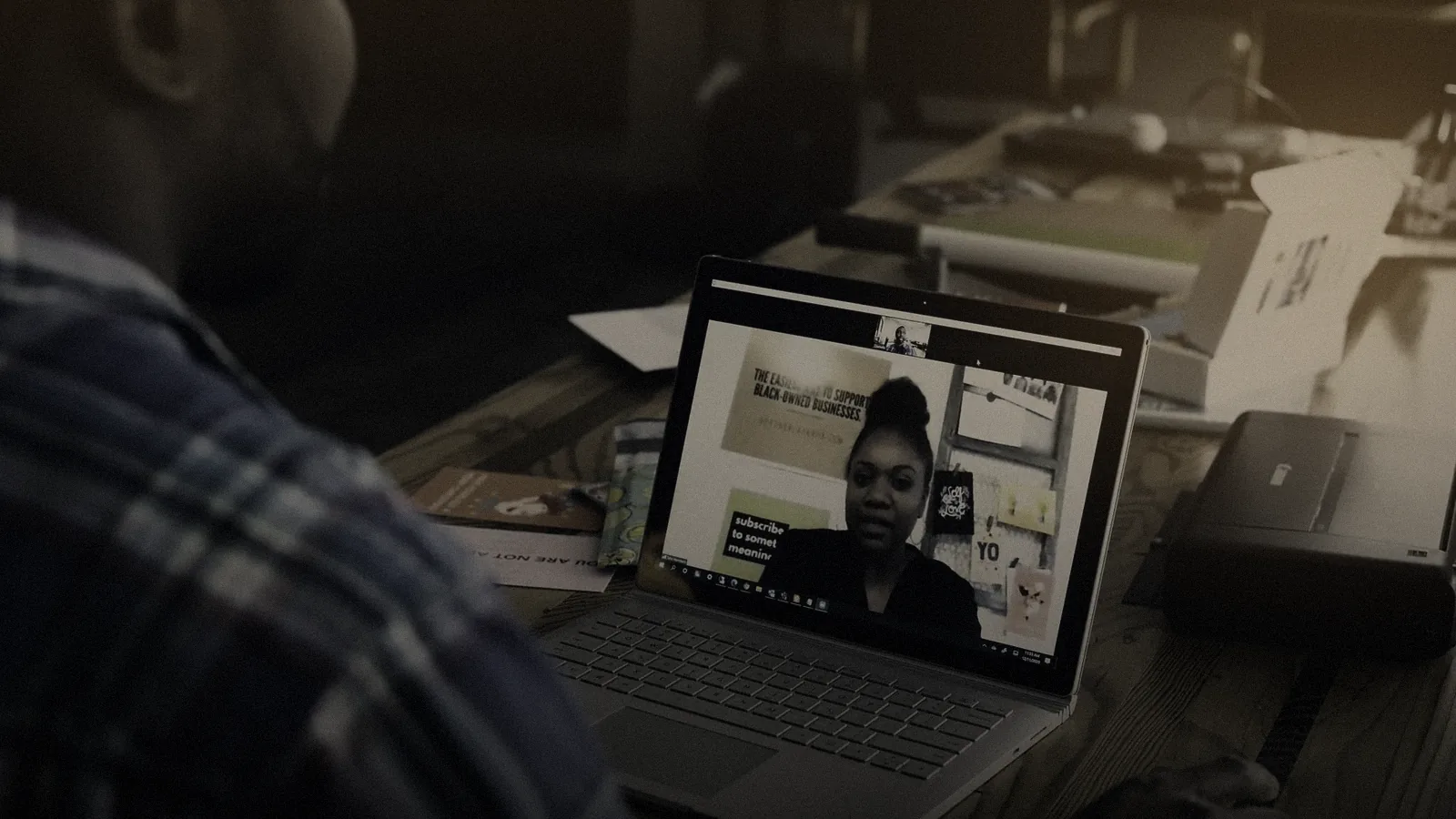
- Video. To see the statement, the conversation moves into video and the customer shares her screen.
- Fill in together. Both complete the refund form in co-browsing.
- Back to chat. The confirmation arrives in writing in the same history.

#What survives the switch
| Kept | Why it matters |
|---|---|
| The agent | The customer explains her request only once |
| Identity and sign-in | No second check, no new questions |
| History and transcript | Everything said and written in one place |
| Shared files | Receipts need not be sent again |
| Request and figures | One case, one measurement, one outcome |
#For agents: one timeline
In the agent desktop the session appears as one timeline. Messages, call sections, notes and files are listed in order. Univerx Assist summarises what was settled in which channel and suggests the next step.
Call distribution knows the session. It reserves the agent's capacity for the switch instead of queuing the call again. If a skill is missing, the session is handed over with context to a specific colleague.
#In the other direction too
A channel switch is not a one-way street. If the customer has to leave the video, the conversation carries on in the chat, on her smartphone and at her own pace. Replies wait for her, and the context stays.
Univerx Contact Center
Every contact in the right queue.
Phone, video, chat, secure messaging, messaging apps, SMS, email and social media in one queue and one workspace. With history, context and scripts, so nobody has to explain a request twice.
Call distribution (ACD)
Rules or AI send every call, chat and email to the right queue and to the person with the right skill. You maintain priorities, hours and exceptions yourself.
- DSGVO
- BFSG
Web messaging & chat
Asynchronous chat on your website and in your apps. Customers can pause and pick up later, the history is kept, and AI agents handle what they can resolve.
- DSGVO
- BFSG
- EU
Co-browse & screen share
The agent sees the customer's page and guides her through it, with no download and with sensitive fields masked. For forms, applications and everything that is hard to explain on the phone.
- DSGVO
- BFSG
- eIDAS
Video engagement & video advice
Video in the browser without a download, started from chat, messaging or a running call. One-way and two-way video, screen share, waiting room and appointments; recording only with consent.
- DSGVO
- BFSG
- EU
Agent desktop
One workspace for every channel: conversation, customer history, case and scripts on one screen. With AI support from Univerx Assist and no switching between five programs.
- DSGVO
- BFSG
IVR & self-service
Voice menus and speech dialogues resolve simple requests around the clock. Those who need a person arrive with context, and instead of hold music there is a callback on request.
- DSGVO
- BFSG
Inbound
Incoming contacts end to end: answering, queueing, callbacks, handover with context and wrap-up. So every request reaches, first time, the place where it gets resolved.
- DSGVO
- BFSG
Messaging apps
Common messaging apps run in the same queue as phone, chat and email. Customers write where they already write, and your team replies from one workspace.
- DSGVO
- BFSG
SMS
Two-way SMS for service, reminders and notices. Customers simply reply to the message, and the reply lands in the same queue as every other contact.
- DSGVO
- BFSG
Email
Emails are recognised, categorised, prioritised and distributed like calls. With templates, suggested replies and reports, so no inbox overflows and no deadline slips.
- DSGVO
- BFSG
Social media
Find social posts and messages that need an answer, distribute them like any other contact and answer them straight from the desktop, in public or in private.
- DSGVO
- BFSG
In-app service & mobile SDK
Chat, calls, video, co-browsing and push notifications inside your own app. Customers are signed in through the app, conversations resume after an interruption, and events flow into Univerx Journeys.
- DSGVO
- BFSG
- EU
Secure messaging
Authenticated, asynchronous conversations inside the logged-in customer portal or your app. With scanned file exchange, a history per customer, notifications without content, and retention and deletion rules.
- DSGVO
- EU
- DORA
- BFSG
Secure payments in the conversation
Customers pay by phone keypad, in a secure payment field in chat or via a payment link, without card or bank details reaching agents, the recording or the transcript. Designed for PCI DSS.
- DSGVO
- EU
- BFSG
Appointment booking
Book, move and remind appointments online: on website, app, chatbot or voicebot, by video, phone or in person. Capacity comes from scheduling; reminders and a waiting list keep the slots filled.
- DSGVO
- BFSG
- EU
Real-time supervision
A live view of queues, service levels and agent states. Team leads listen in, whisper or barge in, and follow chat, video and co-browsing live. Configurable for German co-determination.
- DSGVO
- EU
Task routing
Back-office tasks are distributed like contacts: applications, forms, follow-up questions and wrap-up work reach the right person by skill, deadline and priority, with workbins and follow-ups.
- DSGVO
- BFSG
Reporting & analytics
Real-time views for running operations, historical reports for management, alerts on deviations and data export for your own analysis. Across every channel, configurable for co-determination.
- DSGVO
- BFSG
- EU
Frequently asked questions
How is this different from a transfer?
A transfer creates a new contact, often in another queue and with another person. A channel switch keeps the same session: same person, same context, one set of figures for the whole request.
Does the agent need skills for phone and video?
The skills of the person leading the session count. If she lacks one, the session is handed over with full context to someone who has it, instead of going back into the queue.
How is a channel switch counted in reports?
As one request with several sections. Reports show total duration, share per channel and whether the request was resolved at first contact.
Related
 Products
Voice services & telephony
Numbers and carrier connectivity come from the platform. Or you connect your own telephony and replace existing systems step by step via SIP. Every path can be mixed with the others.
 Use cases
Customer service
Every request on the right channel, with the right person, with the whole context. Routing, workspace, Univerx Assist and knowledge work together in one flow.
 Use cases
Sales & digital advice
Advice that does not fall apart at the broken hand-off: a shared view of offer and form, documents uploaded during the conversation and the deal signed on the spot. With the Univerx Channel and proactive engagement at the right moment.
 Use cases
Identification & online closing
Close cases that need an identity or a signature within one contact: a link with no download, identification with the online ID card and eIDAS signatures as a goal in the Univerx Channel, and the result straight back into the case.
 Industries
Banking & financial services
Service on every channel, advice with a shared view and a signature inside the conversation, onboarding with the online ID card as a goal. Plus documents for your ICT third-party risk management under DORA on request.
 Industries
Insurance
Claims service with calm and pace: notifications on every channel, checks of invoices and policies with Semantic², agreements signed in the conversation and routine requests resolved in self-service.
 Industries
Utilities & telecoms
High volume, many routine requests: AI agents for meter readings, tariffs and bills, outage communication at peak times, payment reminders with consent checks. Documents for your NIS2 obligations on request.
 Industries
Retail & e-commerce
Order and returns service via messaging, chat and phone, proactive delivery notices, help in the shop at the right moment and accessible customer interfaces as a goal under the European Accessibility Act.
 Guides2 November 2026 · 11 min read
Journey orchestration: a playbook
From analytics to the next best action: how to pick a customer journey, settle data and triggers, choose the right channel, and run it all with clear governance and honest measurement.
 Glossary
Omnichannel
Omnichannel means every channel runs through one queue, one contact history and one desktop. Customers switch channels without their request starting over.
 Glossary
First contact resolution (FCR)
First contact resolution measures how many requests are settled in the first contact. It is a telling service metric, but it needs a clear definition and measurement across every channel.
 Glossary
Identity resolution
Identity resolution merges records of the same person from several sources: website visit, app account, phone number, email address, customer number. It underpins a shared history and has clear data protection limits.
 Glossary
Average handling time (AHT)
AHT combines talk, hold and wrap-up time into an average per contact. It is indispensable for staffing, but as a target for individual agents it sets the wrong incentives.

See Univerx on your own example.
In a demo we show the platform along your channels and requests, from AI agents to video, workforce scheduling and analytics.
Online, in German or English, with no preparation on your side.